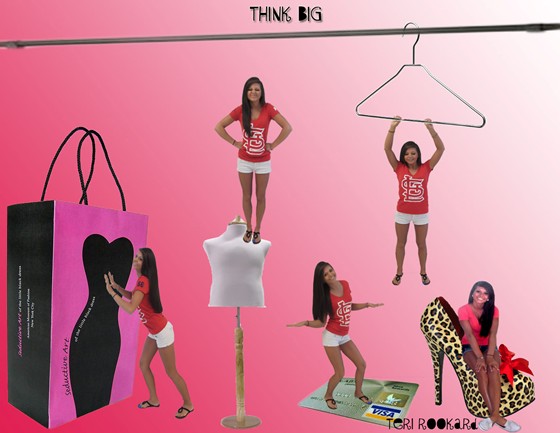
To prepare for the Think Big project I chose a theme (shopping bag, credit card, clothes hanger, mannequin…you get the picture right?) and then I took pictures of myself in positions that I would later on be able to put myself into the objects. For instance the picture of me pushing the shopping bag or hanging from the hanger. After all my pictures were taken I opened a blank page in Photoshop and put all the items (the ones listed above) into the blank background. By doing that I quick selected them, refined the edges and used the move and resize tool to get them exactly where I wanted them. After all my layers were looking good and I had them named, I started putting the pictures of myself in with the objects that I took them for. I did the same thing as I did for the objects (just quick selecting, refining, resizing). I added layer masks to a few of them so that the shadows would appear and so that I could bring back and erase pieces I did not need.
Comments: 0
There are no comments yet, be the first to write a comment!
 Teri Alexys Rookard