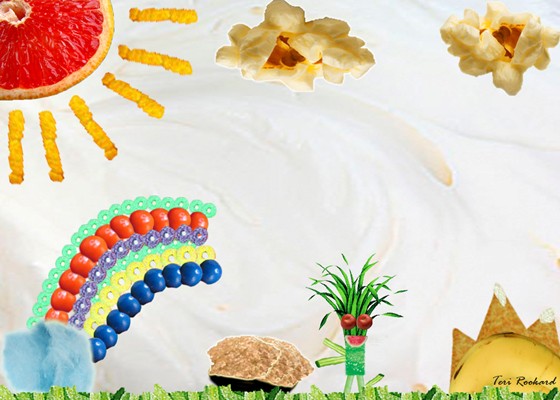
Food for Thought project using selection tools and the move tool.
In this project I used quick selection tools, the move tool, resizing techniques and refine edge. I gathered pictures of food off of the internet and floated each of my images into photoshop. Usually I would start off with the quick selection tool and make the "marching ants" boarded the subject. If I was happy with what my selection looked like I would click into the refine edge box and adjust the contrast and radius of my picture to my liking. Sometimes I would just frusterated because the quick selection tool, which happens to be my favorite tool that I feel most comfortable with, would not work. In that case I would have to switch the selection tool to something like a magnetic selection or the polygonal tools to make my selections more persice. (for example on the leafy head of my little dude I went in and dragged my own lines rather than letting quick selection pick parts I didnt need or forget ones that I did need). After my selecting and refining was finished I used the move tool to drag my object where I needed them and would sometimes use the "ctrl+T" to resize my pictures so that everything fit how I wanted it. After all of these steps were complete I added a couple layer effects. One I added to the cloud at the end of the rainbow (AKA the blue selected cotton candy) and the gold in the pot (AKA the selected brown sugar).
Comments: 0
There are no comments yet, be the first to write a comment!
 Teri Alexys Rookard